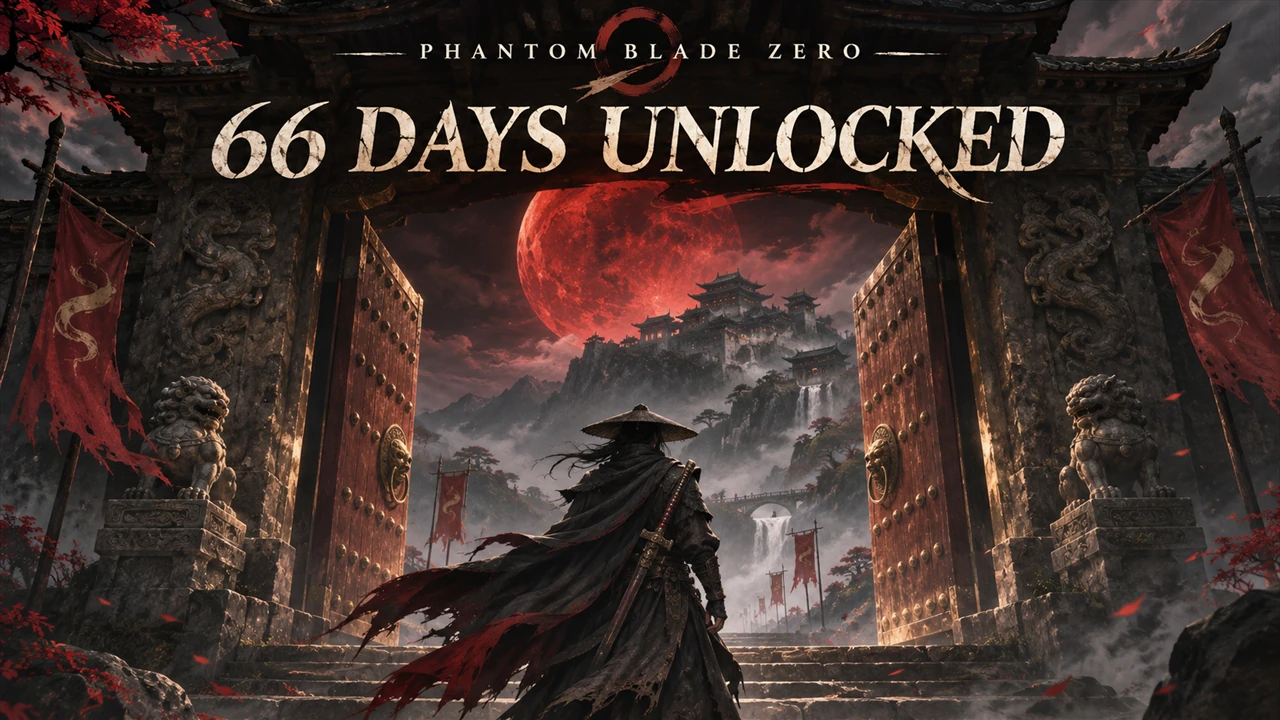
66 Days Unlocked
Unlocks the 66 Days difficulty from the start: begin a new game in it without beating the game once. A PBZModLoader mod.
What it does
- The 66 Days difficulty is open in the difficulty menu of a new game, also when you have not finished the game yet.
- 66 Days itself stays as the game makes it: the Hellwalker rules and 66 deaths. At 0, the game deletes the save.
- Nothing else changes: the other difficulties and New Game Plus stay as they are.
It is a PBZModLoader mod: a script in the game's own script engine. It replaces no game file and writes nothing into the save: without the mod, 66 Days is locked again until you finish the game.
Screenshots

How to install
- Install PBZModLoader 2.1.0 or later.
- Download the zip of the latest release on GitHub (
phantombladezero_66daysunlocked_<version>.zip). - Unpack it into the game folder (the folder that holds
ProjectPBZ). It adds the folderProjectPBZ\PBZModLoader\mods\phantombladezero_66daysunlocked\withmain.jsand the settings file. - Start the game.
To check that it runs: ProjectPBZ\PBZModLoader\loader.log has the line
[PBZMOD] [66 Days Unlocked] <version> started; settings: ....
To update the mod, replace main.js with the one of the new release; keep your settings file (a setting that it does
not have keeps its default). To remove the mod, delete the folder ProjectPBZ\PBZModLoader\mods\phantombladezero_66daysunlocked\.
How to use
Start a new game and choose 66 Days in the difficulty menu.
Settings
The settings are in ProjectPBZ\PBZModLoader\mods\phantombladezero_66daysunlocked\phantombladezero_66daysunlocked.txt. Open it with a text editor,
change a value and save: the difficulty menu takes it the next time it opens, without a restart. Without the
file the mod writes it with the defaults below. Keys are not case-sensitive; ; or # starts a comment.
With Mods Menu (0.9.0 or later) in the game, the mod adds its page to Mods Menu's tab in the game's settings, and
the page's settings are the ones that count: Mods Menu keeps them in its own file in the game's Saved folder, and
the file in the mod's folder is not read then.
| Setting | Default | What it does |
|---|---|---|
Enable |
On |
Off: the game's lock (66 Days opens after a finished game) |
Compatibility
- Game version: Steam build 26367565 (
CL-302256_JKS-17280). - Needs PBZModLoader 2.1.0 or later. Mods Menu is optional.
- Version 1.0 of this mod (the files
phantombladezero_66daysunlocked_P.pak,.utoc,.ucasin~mods): remove them first. 2.0 replaces no game script. - Mortal Dusk also opens 66 Days; both together work.
Known issues
- Not tested in game yet.
How to build
There is nothing to build: src\phantombladezero_66daysunlocked\ is the mod folder (main.js and the settings file).
tests\test_mod.js runs the script outside the game with Node.js and stand-ins for the game: node tests\test_mod.js.
README.md has the details.
Credits
Made by Kintaro. MIT license: you may use, change and share this mod. PBZModLoader is made by LKF, its fork by KintaroModding. Phantom Blade Zero and its files belong to their makers.