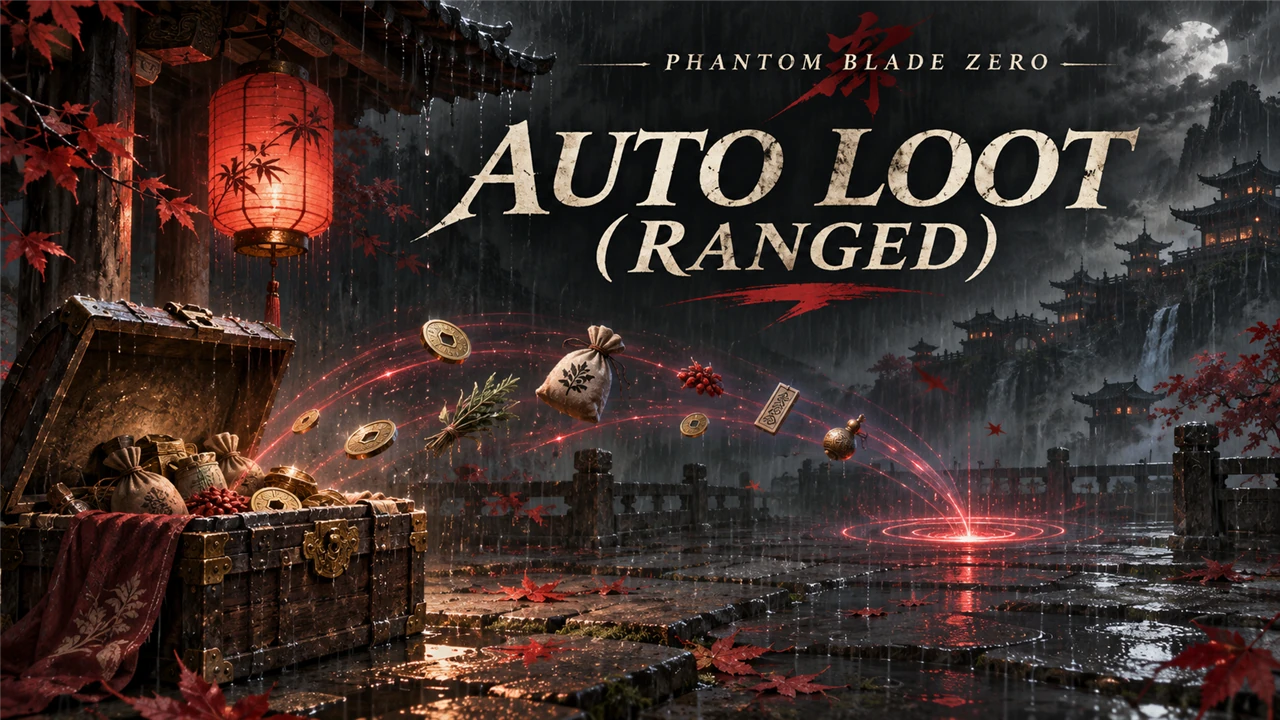
Auto Loot (Ranged)
Loot piles near you are picked up by themselves from a short distance. Range, chests and loot types are set in config.lua, live in game.
What it does
Walk past loot and it is yours: loot piles near you are picked up by themselves, without stepping right onto them.
- Loot piles, notes and pages within 4 m (a setting,
Range) are picked up one after the other, the nearest first: a little before the game's own prompt shows up (2.5 to 3.5 m). - A chest opens by itself when the game's own prompt shows on it, as if you had pressed the key. Chests never open from a distance: their opening animation brings you to the chest.
- The game does the pickup: the same bag, popup and save as after a key press.
- Settings change live: edit
config.lua, save, and the game uses them within a few seconds.
What stays for you (a key press as in the game):
- Piles with a weapon, medicine or accessory (the game's equip or replace choice). Chests with gear open.
- Story and quest items: narrative items, memory flowers and petals, items that set a quest flag.
- Scripted loot (its own event or cutscene) and locked chests (they spend a key item).
- In mode
MaterialsorCommon, everything that is not a material, and all chests.
Nothing is taken in combat, in the air, during an attack or a status effect, while the game is paused, in dialogue, in a cutscene, or while the pickup popup is open.
It is a UE4SS Lua script: it calls the game's own pickup while the game runs. It replaces no game file and does not touch your save.
Screenshots

How to install
- Install UE4SS for Phantom Blade Zero, for example UE4SS (its zip
phantombladezero_ue4ss_<version>.zip: the official UE4SS build with a config that makes it run in this game). - Download the zip of the latest release on GitHub (
phantombladezero_autolootranged_<version>.zip). - Unpack it into the game folder
platform\steam\, next to the game's exe. It adds the folderue4ss\Mods\phantombladezero_autolootranged\(with the fileenabled.txt, UE4SS starts it by itself). - Start the game.
To check that it runs: platform\steam\ue4ss\UE4SS.log has the line [Auto Loot (Ranged)] <version> loaded.
To update the mod, replace the folder with the one of the new release; to keep your settings, put your old
Scripts\config.lua back (a setting that it does not have keeps its default). To remove it, delete the folder
ue4ss\Mods\phantombladezero_autolootranged\.
How to use
Nothing to do: walk near loot. Loot that stays for you shows the game's prompt as usual.
Settings
The settings are in platform\steam\ue4ss\Mods\phantombladezero_autolootranged\Scripts\config.lua. Open it with a
text editor, change a value and save: the mod reads the file every 5 seconds, so you see the change in the game
without a restart. A file it cannot read (for example a typo) keeps the last settings. UE4SS.log shows the settings
in use in the line [Auto Loot (Ranged)] Settings: ..., and names each value it could not use.
| Setting | Default | What it does |
|---|---|---|
Enable |
true |
false: the game as normal, every pickup by a key press |
Range |
4 |
Metres around you in which loot piles are picked up by themselves (0.5 to 10) |
Chests |
true |
true: a chest opens by itself when the game's prompt shows on it (only in mode All) |
Mode |
"All" |
"All": piles, notes and chests. "Materials": only piles that hold nothing but materials, no chests. "Common": like "Materials", but only materials with a white or pale blue glow; purple and orange ones stay for you |
LogDetail |
false |
true: UE4SS.log lists each pickup, each pile left for you and why (for tests) |
Compatibility
- Game version: Steam build 26367565 (
CL-302256_JKS-17280). - UE4SS
v4.0.0. First tested in game with UE4SSv3.0.1-1188-gf885e8d2. - Works with Loot Glow Amplified: a taken pile stays dark.
- Another auto loot mod that replaces the game's
InteractionUI.jswould pick up the same loot: use only one of them.
Known issues
- A pile behind a thin wall within
Rangeis picked up too: the mod measures the distance, not the way to it.
How to build
There is nothing to build: src\phantombladezero_autolootranged\Scripts\main.lua is the mod. tests\test_main.py runs the script
outside the game with Lua 5.4 (lupa) and mocks of UE4SS:
python tests\test_main.py. README.md has the details.
Credits
Made by Kintaro. MIT license: you may use, change and share this mod. UE4SS is made by the UE4SS-RE team. Phantom Blade Zero belongs to its makers.