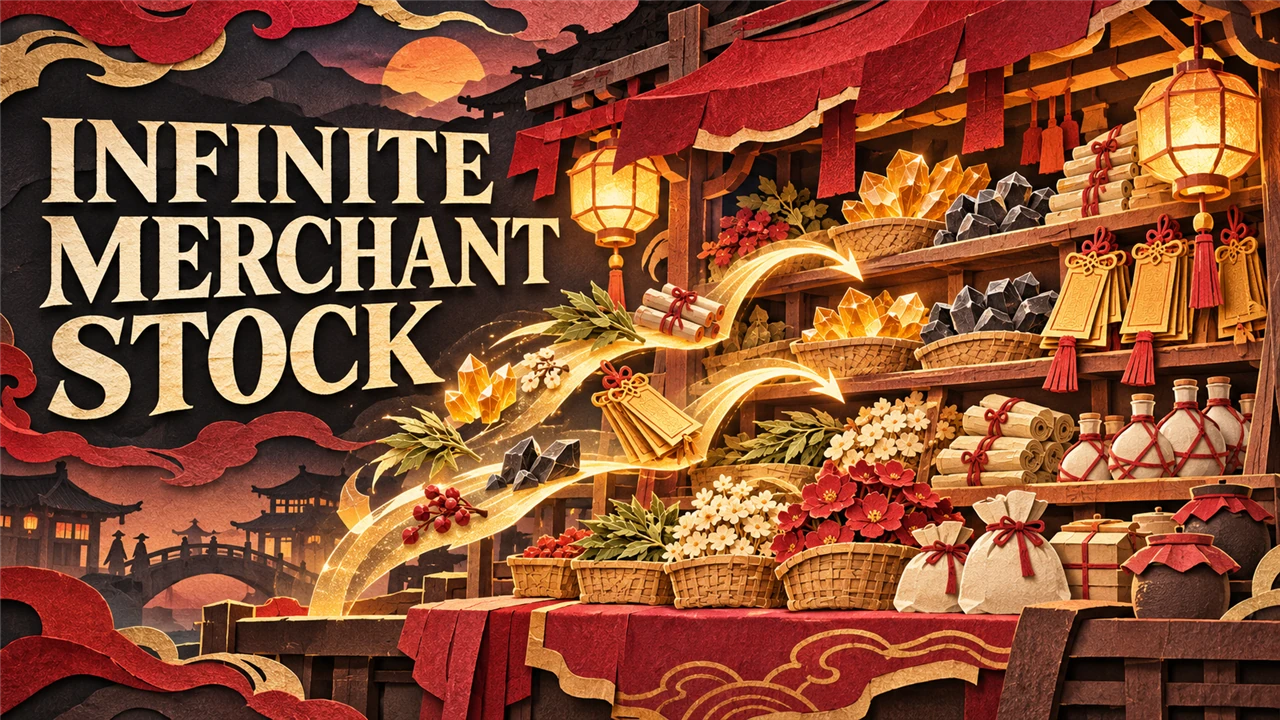
Infinite Merchant Stock
Merchants never run out of upgrade materials and other stackable goods; the stock refills after every purchase. Your save stays clean. A UE4SS mod.
What it does
Merchants never run out of stackable goods: weapon and Sha-Chi weapon upgrade materials, polishing and medicine materials, reforge and traversal talismans.
- Buy as many as your Dust pays for, at the normal price. The stock shows 999 and refills after every purchase.
- Goods you bought out before come back.
- Your save stays clean: before every save the shops get their own stock back, so a save loads normally without the mod. What you bought stays bought.
- Accessories, weapons, medicines and the goods New Game+ sells once per cycle keep their normal stock. New Game+ shops stay as the game made them (New Game+ already sells upgrade materials without limit); a setting changes that.
It is a UE4SS script. It replaces no game file.
Screenshots

How to install
- Install UE4SS for Phantom Blade Zero, for example UE4SS (its zip
phantombladezero_ue4ss_<version>.zip: the official UE4SS build with a config that makes it run in this game). - Download the zip of the latest release on GitHub (
phantombladezero_infinitemerchantstock_<version>.zip). - Unpack it into the game folder
platform\steam\, next to the game's exe. It adds the folderue4ss\Mods\phantombladezero_infinitemerchantstock\(with the fileenabled.txt, UE4SS starts it by itself). - Start the game.
To check that it runs: platform\steam\ue4ss\UE4SS.log has the line [Infinite Merchant Stock] <version> loaded.
To update the mod, replace the folder with the one of the new release; to keep your settings, put your old
Scripts\config.lua back (a setting that it does not have keeps its default). To remove it, delete the folder
ue4ss\Mods\phantombladezero_infinitemerchantstock\.
How to use
Nothing to do: open a merchant's shop as usual. Goods you bought out are back the next time you open it.
Settings
The settings are in platform\steam\ue4ss\Mods\phantombladezero_infinitemerchantstock\Scripts\config.lua. Open it with a text editor, change
a value and save: the mod reads it again within 5 seconds, and the shops take the new value the next time you
look at a merchant. UE4SS.log shows the settings in use in the line
[Infinite Merchant Stock] Settings: ..., and names each value it could not use.
| Setting | Default | What it does |
|---|---|---|
Enable |
true |
false: shops keep their normal stock |
FirstPlaythroughOnly |
true |
true: only on the first playthrough. false: New Game+ shops too |
Stock |
999 |
How many of each good a merchant shows, 1 to 9999. It refills after every purchase, so this is the most you can buy at once |
BringBackSoldOut |
true |
true: goods a merchant sold out of come back. false: they stay sold out |
ExcludedItems |
{} |
Shop item IDs that keep their normal stock, for example { "FJZL_XiaoZhang_Item_Traversing" } (DebugLog writes the IDs to UE4SS.log) |
DebugLog |
false |
true: a line in UE4SS.log for every restock, every save and every good looked up |
Compatibility
- Game version: Steam build 26367565 (
CL-302256_JKS-17280). - Tested with UE4SS
v4.0.0. - The earlier UE4SS mod "Unlimited Stock" (
PBZUnlimitedStock): remove it first; this mod is its successor. - Another mod that changes shop stock: test them together.
- Mods that make upgrades cheaper or give more Dust (Cheaper Upgrades, More Dust and Materials) work together with this one.
Known issues
- None known.
How to build
There is nothing to build: src\phantombladezero_infinitemerchantstock\Scripts\main.lua is the mod. tests\test_main.py runs the script
outside the game with Lua 5.4 (lupa) and mocks of UE4SS:
python tests\test_main.py. README.md has the details.
Credits
Made by Kintaro. MIT license: you may use, change and share this mod. UE4SS is made by the UE4SS-RE team. Phantom Blade Zero belongs to its makers.