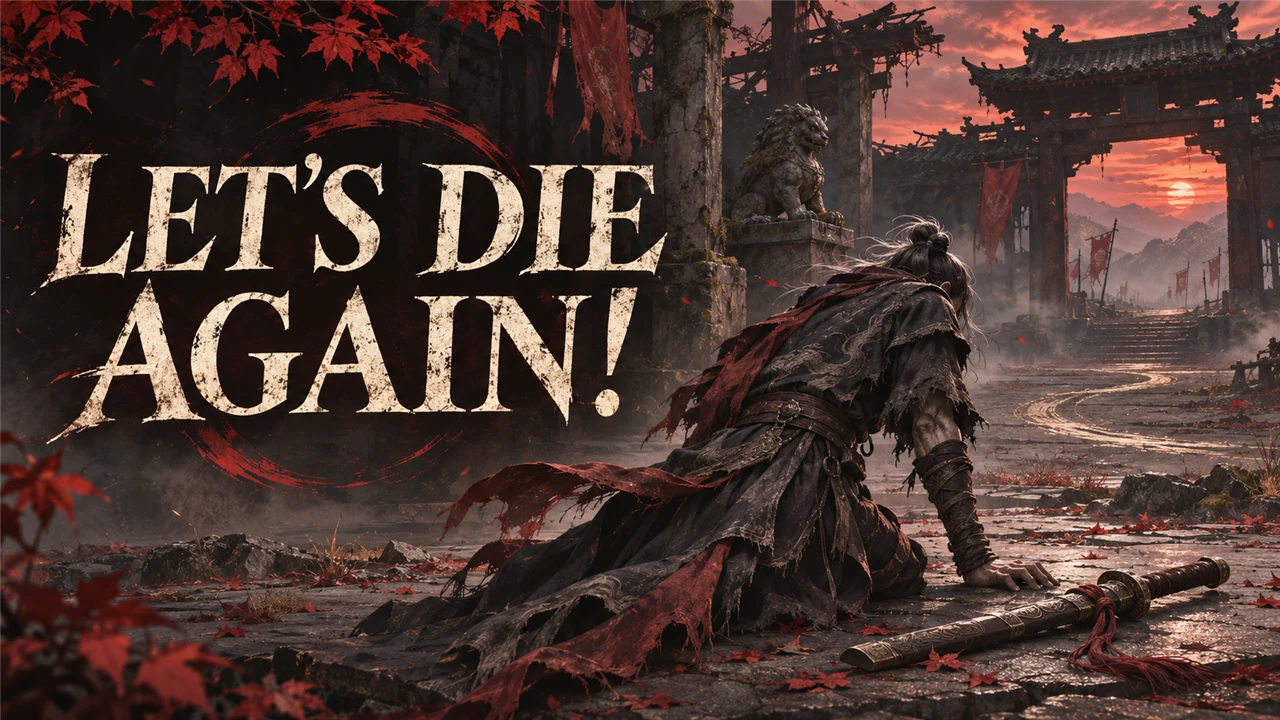
Description
Let's Die Again!
The main menu's CONTINUE entry reads LET'S DIE AGAIN! instead (English text).
What it does
- The main menu's CONTINUE entry says LET'S DIE AGAIN! instead.
- It still does what CONTINUE does: it loads your last save.
- Only the English text changes. Nothing else in the game changes.
Screenshots

How to install
- Download the zip of the latest release on GitHub (
phantombladezero_letsdieagain_<version>.zip). - Open the game folder
ProjectPBZ\Content\Paks\. If it has no folder~mods, create it. - Unpack the three files of the zip (
phantombladezero_letsdieagain_P.pak,.utocand.ucas) intoProjectPBZ\Content\Paks\~mods\. - Start the game.
To update the mod, replace the three files with the ones of the new release. To remove it, delete the three files.
How to use
Nothing to do: play the game in English and look at the main menu.
Compatibility
- Game version: Release (Steam build 26266538) (
CL-301524_JKS-17219). - No UE4SS needed.
- The mod replaces the game's English text file,
ProjectPBZ/Content/Localization/Game/en-US/Game.locres(every English text of the game, with one of them changed). A mod that replaces the same file, for example another text mod or a fix of the English texts, conflicts with this one; only one of them works.
Known issues
- Only English: in the other 15 languages the entry keeps the game's own text.
- After a game update that changes any English text, this mod brings the old texts back until a new version of the mod is out. Remove the mod if texts look wrong after an update.
How to build
Anyone can build this mod from its source code and check that the download matches it.
- Install the tools: Windows PowerShell 5.1 (part of Windows), repak
v0.2.3 and retoc v0.1.5 in a folder
_tools\repak\and_tools\retoc\above the repository (or setUE5_TOOLS); optional: Node.js for the check of JavaScript.README.mdhas the details. - Build it:
powershell -ExecutionPolicy Bypass -File .\build.ps1 - Find the files:
dist\phantombladezero_letsdieagain_P.pak,.utocand.ucas.
Credits
Made by Kintaro. MIT license: you may use, change and share this mod. Phantom Blade Zero and its files belong to their makers; the mod changes only what is listed above.