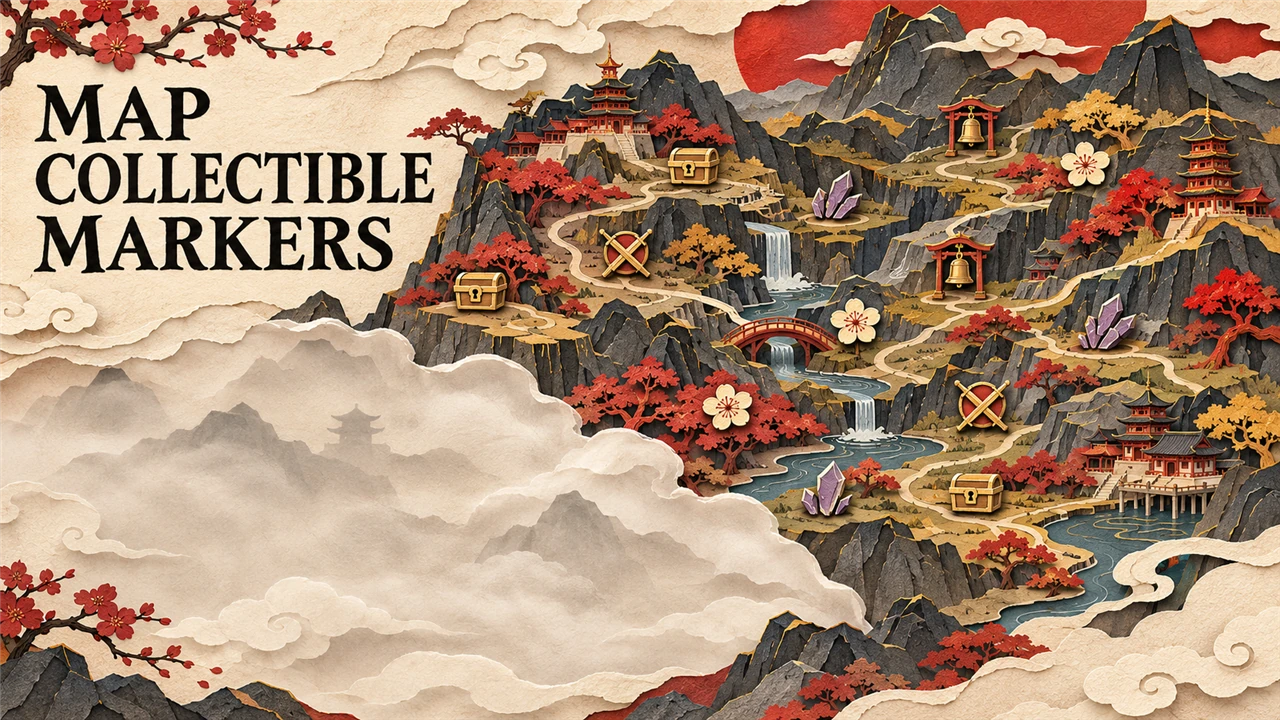
Map Collectible Markers
The region map shows the collectibles you have not picked up yet, with names and where they come from. Hidden under fog. A PBZModLoader mod.
What it does
The region map shows icons for the collectibles you have not picked up yet. Collected items disappear from the map.
- The game's own collectibles: Black Stone and Amber fragments, Memory Flowers (blue), Major Chests (one icon per chest), keys and challenges (Long Pillars, Human-Faced Banyans, Scarecrows). The game has these icons but never shows them.
- More: bells you have not rung yet (gold), weapons (orange), shadow weapons (red), accessories (green) and medicines (purple), with the pictures of the game's "Collection details" panel. An item inside a Major Chest shows as the chest only.
- Upgrade materials (cyan): about 600 breakable jars, crates and chests in 12 regions that drop weapon, accessory or medicine upgrade materials. Its icon goes away once you break or open it.
- Hover an icon: its name, and how you get it: the boss or NPC who gives it, "Defeat the enemies here", "In a chest", "From a story event" and more. Items the Meigu Lake map shows for the Illusionist's Ruins say that they are inside the ruins.
- Fog: icons in areas still under fog stay hidden until you ring the bell that clears it.
- H on the keyboard or D-pad up on a controller hides or shows the icons on the region map (until you close the game).
It is a PBZModLoader mod: a script in the game's own script engine. It replaces no game file and writes nothing into the save. The game's quest, bell and other icons stay as they are.
Screenshots

How to install
- Install PBZModLoader 2.1.0 or later.
- Download the zip of the latest release on GitHub (
phantombladezero_mapcollectiblemarkers_<version>.zip). - Unpack it into the game folder (the folder that holds
ProjectPBZ). It adds the folderProjectPBZ\PBZModLoader\mods\phantombladezero_mapcollectiblemarkers\withmain.jsand the settings file. - Start the game.
To check that it runs: ProjectPBZ\PBZModLoader\loader.log has the line
[PBZMOD] [Map Collectible Markers] <version> started; settings: ....
To update the mod, replace main.js with the one of the new release; keep your settings file (a setting that it does
not have keeps its default). To remove the mod, delete the folder ProjectPBZ\PBZModLoader\mods\phantombladezero_mapcollectiblemarkers\.
How to use
Open the map and look at a region. Hover an icon to see what it is and how you get it. Press H or D-pad up to hide or show the icons (not on the map you open at a bell). Tab still switches to the world map.
Settings
The settings are in ProjectPBZ\PBZModLoader\mods\phantombladezero_mapcollectiblemarkers\phantombladezero_mapcollectiblemarkers.txt. Open it with a text editor,
change a value and save: the mod reads the file every 2 seconds, so the game uses it without a restart. Without the
file the mod writes it with the defaults below. Keys are not case-sensitive; ; or # starts a comment.
With Mods Menu (0.9.0 or later) in the game, the mod adds its page to Mods Menu's tab in the game's settings, and
the page's settings are the ones that count: Mods Menu keeps them in its own file in the game's Saved folder, and
the file in the mod's folder is not read then.
| Setting | Default | What it does |
|---|---|---|
Enable |
On |
Off: the game's own map; the icons go away |
HideUnderFog |
On |
On: no icons in areas still under fog. Off: all icons. Takes effect the next time you open the map |
ToggleKey |
H |
The key that hides or shows the icons on the region map, for example H, J, K, F6. Off: no key |
ControllerKey |
DPadUp |
The controller button that does the same: DPadUp, DPadDown, DPadLeft, DPadRight, L3, R3 (a stick pressed in). Off: no button |
Compatibility
- Game version: Steam build 26367565 (
CL-302256_JKS-17280). - Needs PBZModLoader 2.1.0 or later. Mods Menu is optional.
- The earlier pak version of "Map Collectible Markers" (the files
PBZMapMarkers_P.pak,.utoc,.ucasin~mods): remove it first. This mod does the same, with no pak and no replaced script. - Mods that replace the map script
Map.js(for example the old pak mod Free Teleport) and other map mods that wrap the same map methods: both run; test them together. - Free Teleport Anywhere and World Map Outlines change other map methods than this mod, so they do not touch each other.
- A map mod that takes the map's key handling for itself: the icons still work, the hide/show key is off then (the loader log says so).
Known issues
- The upgrade-material spots were read out of the game's levels before the update of 2026-11-04 (the map script did not change). A few may not match any more.
- Letters, books and other reading items are not shown: the game keeps no map positions for them.
- If you add the mod while the game runs (Alt+F5) and you opened the map before, restart the game once.
- On the region map the button of
ControllerKeyonly hides or shows the icons. If the game uses that button there for something else, pick another one.
How to build
There is nothing to build: src\phantombladezero_mapcollectiblemarkers\ is the mod folder (main.js and the settings file).
tests\test_mod.js runs the script outside the game with Node.js and stand-ins for the game: node tests\test_mod.js.
README.md has the details.
Credits
Made by Kintaro. MIT license: you may use, change and share this mod. PBZModLoader is made by LKF, its fork by KintaroModding. Phantom Blade Zero and its files belong to their makers.