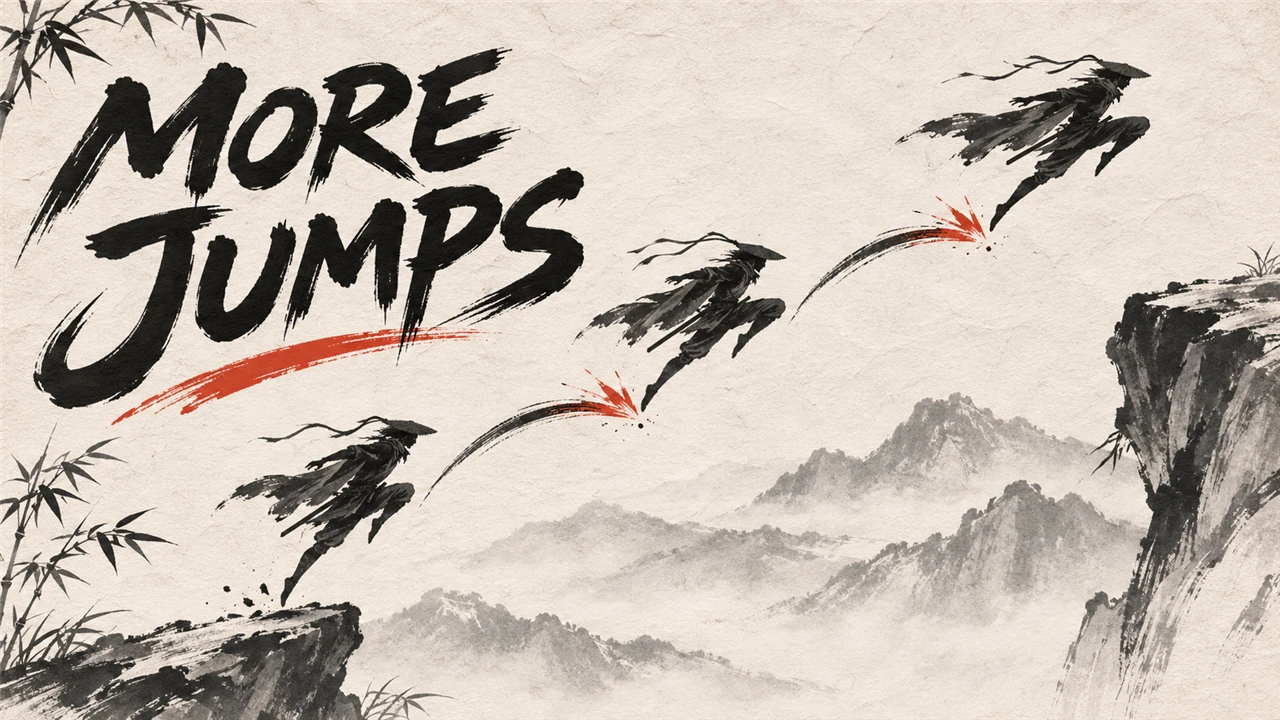
More Jumps
A double jump, or a triple jump: press jump again in the air, up and in the direction you hold. Jumps, speeds and keys are set in config.lua, live in game.
What it does
Press jump again while you are in the air, and you jump again: a double jump, or a triple jump.
-
Jumps = 2(the default): a double jump, one more jump in the air.Jumps = 3: a triple jump, two more. The count starts again when you land. -
Each air jump takes you up, and in the direction you hold, relative to the camera. Without a direction it goes straight up.
-
The mod looks at the keys of the game's own jump in your key settings.
JumpKeysin config.lua names other keys. -
Each air jump shows a small dust puff at your feet, as if you stepped on the air.
Effectpicks another of the game's own effects, or"Off". -
Between two air jumps there are at least 0.1 seconds. Nothing happens while the game is paused.
It is a UE4SS Lua script: it calls the engine's launch function on your character. It replaces no game file, and the mod itself writes nothing into your save.
Screenshots

How to install
- Install UE4SS for Phantom Blade Zero, for example UE4SS (its zip
phantombladezero_ue4ss_<version>.zip: the official UE4SS build with a config that makes it run in this game). - Download the zip of the latest release on GitHub (
phantombladezero_morejumps_<version>.zip). - Unpack it into the game folder
platform\steam\, next to the game's exe. It adds the folderue4ss\Mods\phantombladezero_morejumps\(with the fileenabled.txt, UE4SS starts it by itself). - Start the game.
To check that it runs: platform\steam\ue4ss\UE4SS.log has the line [More Jumps] <version> loaded.
To update the mod, replace the folder with the one of the new release; to keep your settings, put your old
Scripts\config.lua back (a setting that it does not have keeps its default). To remove it, delete the folder
ue4ss\Mods\phantombladezero_morejumps\.
How to use
Jump or fall, then press your jump key again in the air (Space with the game's standard keys). With Jumps = 3
you can press it once more before you land. Hold a direction key
(W, A, S, D) while you press it, and the air jump also takes you that way. Let go of the jump key between two air
jumps: a held key jumps once.
UE4SS.log names the keys the mod looks at in the line [More Jumps] Jump keys: ..., and your first air jump in
a line that starts with [More Jumps] air jump 1.
Settings
The settings are in platform\steam\ue4ss\Mods\phantombladezero_morejumps\Scripts\config.lua. Open it with a
text editor, change a value and save: the mod reads the file every 5 seconds, so the game does not need a restart. A
file it cannot read (for example a typo) keeps the last settings. UE4SS.log shows the settings in use in the line
[More Jumps] Settings: ..., and names each value it could not use.
Key names are Unreal's, for example SpaceBar, W, LeftShift, Up, Gamepad_FaceButton_Bottom.
| Setting | Default | What it does |
|---|---|---|
Enable |
true |
false: the mod does nothing, the game as normal |
Jumps |
2 |
Jumps before you land, the game's own jump included: 2 = double jump, 3 = triple jump |
UpSpeed |
800 |
The upward speed of an air jump (0 to 5000) |
DirectionSpeed |
600 |
The speed in the direction you hold, added to your current speed (0 to 5000; 0 = only up) |
Effect |
"Dust" |
The effect on an air jump: "Dust" (a small dust puff at your feet), "Jump" (the game's take-off dust), "Shadow" (your special dash's afterimage) or "Off" |
FallingOnly |
false |
true: an air jump only while you fall; false: in every state but walking and flying |
JumpKeys |
"" |
"": the keys of the game's own jump (your key settings); or your own, for example "SpaceBar, Gamepad_FaceButton_Bottom" |
ForwardKey |
"W" |
The four direction keys the mod looks at for the direction of an air jump |
BackKey |
"S" |
|
LeftKey |
"A" |
|
RightKey |
"D" |
|
LogDetail |
false |
true: UE4SS.log names every air jump and every change of your movement mode (for tests) |
Compatibility
- Game version: Steam build 26367565 (
CL-302256_JKS-17280). - Tested with UE4SS
v4.0.0. - The other Kintaro mods for this game do not read the jump key and do not launch your character, so they do not clash with this one.
- Another mod that reacts to the jump key in the air acts on the same press as this one.
Known issues
- Extra jumps can take you to places the game does not expect; what the game does there is not tested. Keep a backup of your save.
- There is no check for cutscenes or special moves. With
FallingOnly = falsea jump press launches you in every state but walking and flying;FallingOnly = trueallows it only while you fall. - When the game has the chosen effect not loaded, the mod loads it, and loads it again when the game drops it;
UE4SS.logsays when a load fails, and then the jump works without the effect. - A gamepad is not tested yet: the mod looks at the gamepad's jump button and takes the direction from the left stick when no direction key is held.
- The direction keys do not follow your key settings: name your keys in config.lua.
How to build
There is nothing to build: src\phantombladezero_morejumps\Scripts\main.lua is the mod. tests\test_main.py runs the script
outside the game with Lua 5.4 (lupa) and mocks of UE4SS:
python tests\test_main.py. README.md has the details.
Credits
Made by Kintaro. MIT license: you may use, change and share this mod. UE4SS is made by the UE4SS-RE team. Phantom Blade Zero belongs to its makers.